
RGB to CMYK: How Color Data Travels from Screen to Press
An image can look right on a designer's monitor, dull on a client's screen, and different again on the printed sheet, even when every file holds the same color numbers. The reason is that RGB and CMYK describe color in two different languages. Neither model is an absolute physical scale. Both are tied to the device that produces the color, so the same data lands as a different visual result on every scanner, monitor, proofer and press.
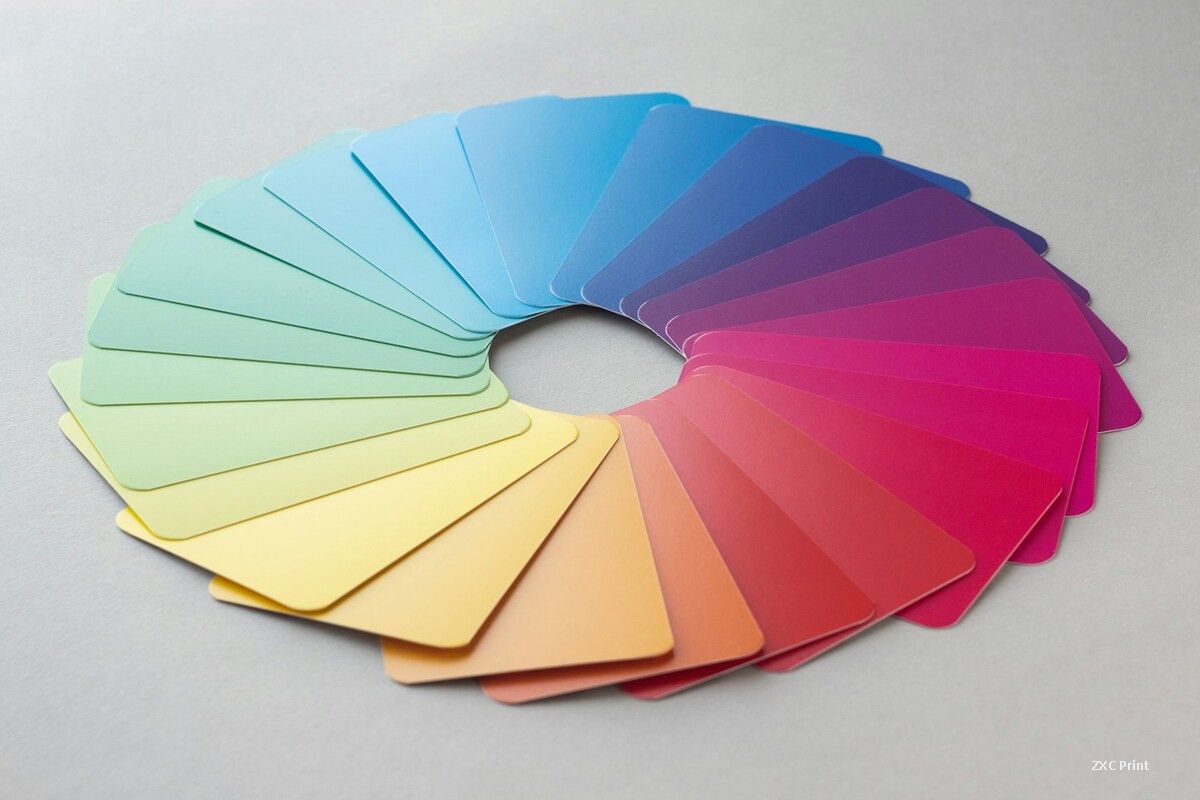
What a Color Space Describes
A color space is the subset of visible light that a given model can represent. RGB behaves like a unit cube in a three dimensional coordinate system, and each axis stands for one primary. Because every color space is only a slice of what the eye can see, no single model covers all visible light. Three independent attributes define a position inside that space, and choosing different attributes produces different spaces. The object being described does not change; the space is only the frame used to measure it. Color spaces fall into two broad families: the primary based type such as RGB, CMY and CMYK, and the types that separate color from brightness, such as YCC, YUV and Lab.
The RGB Model and Additive Mixing
Red, green and blue are the three primaries of light. The eye reads color through three kinds of cone cells that respond most strongly around 630 nm, 530 nm and 450 nm. Most of the visible spectrum can be matched by mixing those three lights in different proportions. In image reproduction each channel usually carries 256 levels, where 0 means no light and 255 means the strongest light. Equal values of all three channels produce white, while red at 255 with green and blue at 0 produces pure red. RGB is an additive model: light adds to light, so mixing more of it raises brightness and energy. Equal red and green give yellow, equal green and blue give cyan, equal red and blue give magenta, and all three together give white. The diagonal from black to white is the gray axis, and every pixel of a grayscale image sits on that line.
The CMYK Model and Subtractive Mixing
Printing uses dyes and pigments, which absorb light instead of emitting it. Cyan, magenta and yellow are the subtractive primaries, so a CMY value can be found from CMY = 1 - RGB. In theory the three inks together reproduce the full range of the RGB cube, and 100 percent of each should give black. Real inks fall short. A yellow ink should reflect all light from 500 nm to 700 nm and absorb 400 nm to 500 nm, yet the ink on press reflects too little in the upper band and absorbs too little in the lower band, so it prints with a slight magenta and cyan cast. Cyan and magenta behave the same way. Without black, 100 percent of all three inks yields a muddy brown rather than a true black. Adding a black plate restores density and keeps grays neutral, which is why CMYK is used for ink, toner and paint while CMY alone is rarely mentioned. CMYK is an applied space: its numbers describe dot area on press, typically from 0 to 100 percent, so C0 M0 Y0 K0 is white paper and C0 M0 Y0 K100 is black.
Why a Conversion Is Needed
Preparing an RGB file for offset work means mapping its colors into CMYK. The trade still calls this step color separation. Two problems make it difficult. First, the two spaces cover different volumes: the RGB gamut is larger than the CMYK gamut, so colors outside the ink range must be compressed to fit. Second, both spaces depend on hardware, so there is no absolute reference. A device independent space such as Lab acts as the bridge between them.
Gamut, Tone and White Point Mapping
Three mapping strategies guide the move from one gamut to another. Gamut compression can hold colors inside the target range and replace the rest with the nearest match, or reproduce out of range colors at the highest saturation the output can reach, or project those colors onto the gamut edge so that hue stays locked and saturation drops evenly. Tone compression either reproduces luminance inside the range and lifts or lowers the rest until it meets the boundary, which flattens contrast in highlights and shadows, or overlaps the brightest values of both spaces and adjusts the other levels in a smooth curve. White point mapping either projects the source white onto the output white as defined by a standard observer under a D50 light and a two degree field, or converts the source values relative to the whiteness of the paper or substrate that will carry the image.
How Color Moves Through the Separation Workflow
A reflective original is measured as L0 A0 B0. A scanner or digital camera turns that light into R1 G1 B1. The file reaches the image editing station, where an operator corrects the color and produces R2 G2 B2. To make a digital proof, the data is converted to R3 G3 B3 and sent to a printer, and the proof sheet reads as L1 A1 B1. For press, the same color is converted to the four ink channels and becomes dot areas Y1 M1 C1 K1. After imposition, RIP processing and film output, the separations carry dot areas Y2 M2 C2 K2. After plate making the values on the plate are Y3 M3 C3 K3, and after the ink transfers to the substrate the final dot areas Y4 M4 C4 K4 combine with the paper to define the printed color L2 A2 B2. Each stage can shift the color, which is why control at every step matters.
Separation Math and Black Generation
Separation starts with the black value, because the other three channels depend on it. Photoshop offers under color removal (UCR) and gray component replacement (GCR) to build the black plate. Under color removal reads R, G and B, forms intermediate values c, m, y and k, then applies a black generation function and an under color removal function. The result depends on the paper and ink combination, the midtone dot gain of each plate, the black ink limit and the total ink limit. From a set of RGB values the intermediate values are c = 1 - R, m = 1 - G and y = 1 - B, and under color removal sets the black value as k = min(c, m, y). After the black generation and removal functions are applied, the final values are adjusted so that each channel stays within the ink limit of the press. Getting that balance right keeps shadows open, holds neutral grays and prevents the total ink coverage from exceeding what the stock and dryer can handle.