
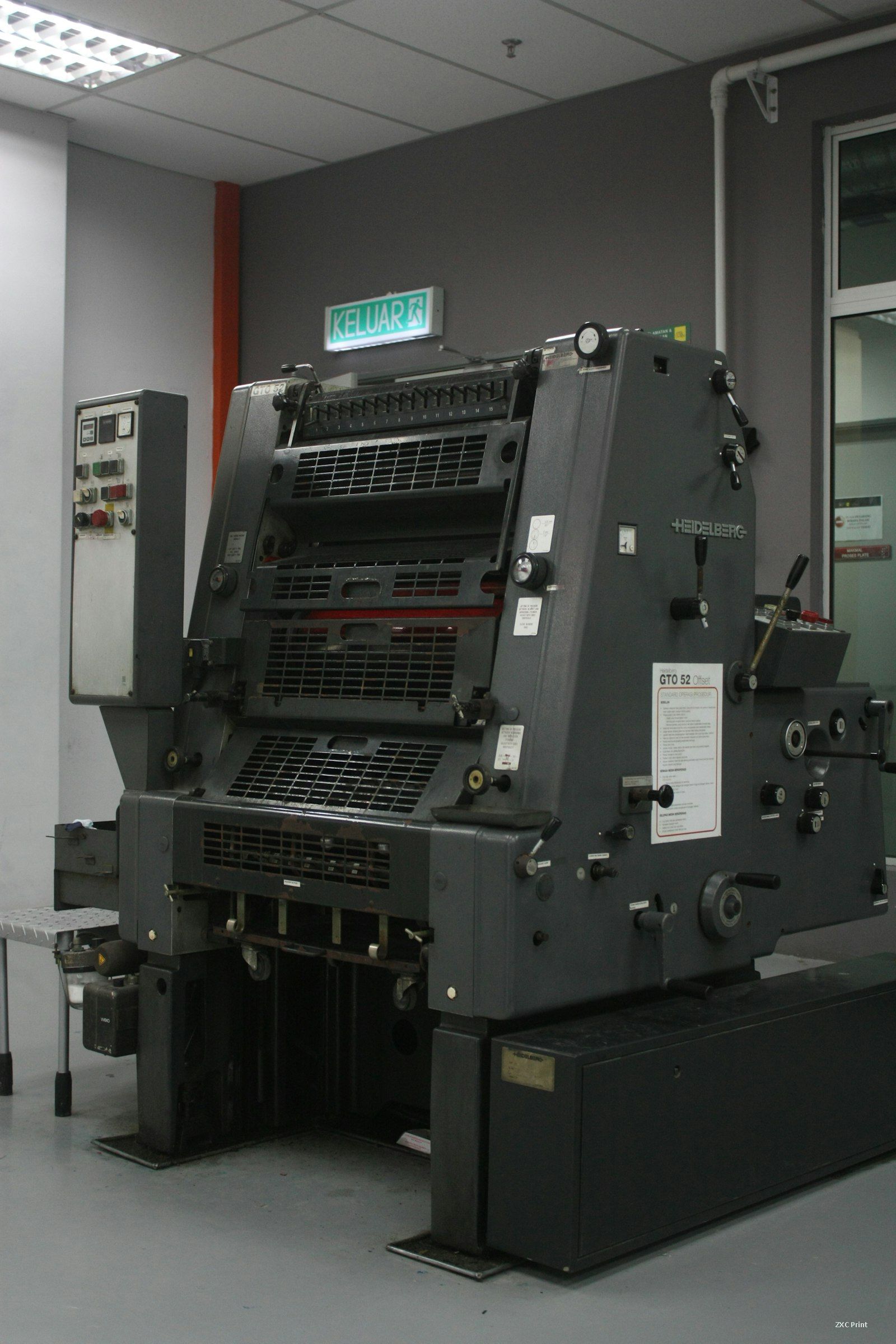
Two plate faults account for most of the wasted sheets on an offset press: small type that fills in until the characters can no longer be read, and ink that creeps onto the non image areas. Both come from the same balance between ink, fountain solution, and the condition of the plate surface. Once an operator can tell at which stage the fault appears, the cause is usually easy to pin down.
Small Type That Fills In
Small characters built from many strokes leave narrow white gaps between those strokes. When the gaps stop accepting water and start taking ink, the character closes up and the line of text turns into a dark smudge. Pressrooms call this a blind character. Where the fault is first seen tells you a great deal about its origin.
If the plate blinds as soon as it is inked, look at the counter areas between strokes. A thin film of light sensitive coating may be left there after development. That coating is oleophilic, so ink grabs it at once. Clean the area with a plate correction pen, or strip the plate and expose it again.
If the blank areas of a new plate are clean but the small type still fills, the plate was probably inked before its surface was protected. Without a film of fountain solution the ink settles into the counters within a few revolutions. Wipe the plate with fountain solution, gum arabic, or a PS plate cleaner, then restart with the dampening unit running.
Blinding that appears only after the press has run for a while points to water and ink rather than to the plate. Too much or too little water at that patch, or ink that has become too thin, will fill the counters. Reset the water feed, bring the ink back to a normal viscosity, and clean the affected area with plate cleaner.
Scumming on the Blank Areas
Scumming means the non image areas have taken ink. It may cover a patch, a band, or the whole plate, and the trade has several names for it: tinting, greasing, oil dirt. The timing of the fault again narrows the list of causes.
A plate that scums from the first inked sheet usually carries leftover oleophilic coating on its blank areas. Remove it with a PS plate correction paste or pen. Work carefully, because the same paste attacks the image coating with real force and will destroy fine detail if it touches the printing areas.
When the blank areas were clean on the plate but scum once the press starts, the surface is short of water. Those areas need a steady film of fountain solution before the first sheet passes the inking unit. Check the dampening rollers, the pan level, and the conductivity of the mix.
Scumming that develops after a period of running has three common sources: the water feed has drifted low at that zone, the fountain solution has been mixed to the wrong strength, or the grain of the plate has worn smooth. Correct the water feed and remix the solution, then clean the scummed area with plate cleaner. If the grain is worn away, no adjustment will bring the plate back, and a new plate is the only answer.
A Sequence for Diagnosis
Start with the plate, then the chemistry, then the press settings. Check whether the fault was present on the first inked sheet or appeared later, and whether it sits in one zone or across the full width. Inspect the plate under a loupe for leftover coating and for worn grain. Confirm the fountain solution strength and the water feed at the affected zone, and check ink viscosity last. Most cases resolve at one of those three steps, and the sheet count stays where it should be.