
Cutting, or trimming, is the final physical step in most print jobs. A book, brochure, or business card can have perfect color, crisp images, and flawless binding, but a single rough or inaccurate cut is immediately visible to the reader. Understanding how paper cutting works, what can go wrong, and what to check before you approve a job helps you avoid disappointing results.
Why cutting quality matters
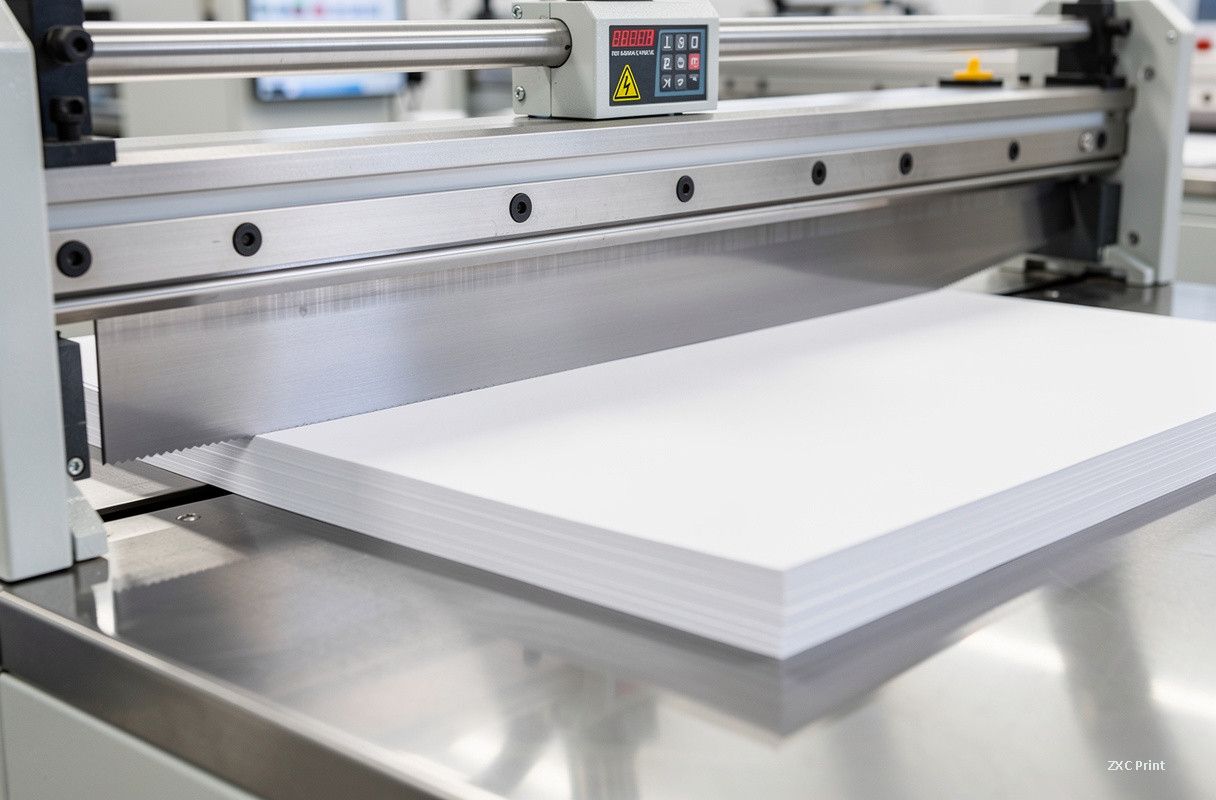
After sheets are printed and bound, they are trimmed to the final trim size on a guillotine cutter. The blade descends through the stack in one stroke, and the result determines whether your book edges are smooth and square, whether all copies are identical in size, and whether the finished product looks professionally manufactured. Trimming is also where tolerance is defined: standard commercial tolerance is around 0.5 mm, and consistent copy-to-copy sizing matters for shelf display, packaging, and any subsequent finishing such as foil stamping or lamination.
Common cutting defects and their causes
1. Inconsistent trim sizes. If copies of the same book come out with slightly different dimensions, the usual cause is wear in the knife seat, the slide rails, or the linkage that moves the blade. Guillotine cutters rely on precise mechanical guidance, and any looseness translates directly into dimensional drift. This is why professional shops perform regular maintenance and calibrate the back gauge before long runs.
2. Rough or feathered edges. A dull blade produces fibers that tear rather than cut cleanly, leaving a rough, whitish edge. Blade condition is the first thing to check when edges are not smooth. High-quality shops re-sharpen or replace blades on a fixed schedule, not only when problems appear.
3. Paper dust and edge debris. Some dust is normal, but excessive dust or chipped edges often signal that the blade pressure is too high, the knife angle is not matched to the paper type, or the paper itself is too moist or too brittle for the cutting conditions.
4. Wavy or bowed stacks. When a thick stack is clamped with uneven pressure, the middle sheets can shift slightly during the cut, producing a subtle bow. Modern cutters with automatic clamping systems reduce this risk, but paper conditioning (letting paper acclimate to the workshop humidity) remains essential.
What buyers should check and specify
First, provide artwork with the correct bleed. A standard 3 mm bleed on all sides gives the cutter a safe margin and prevents white slivers at the edges. Second, agree on trim tolerance with your supplier, especially for large quantities, because a tighter tolerance costs more but matters for premium products. Third, request a trimmed sample before the full run, and check the sample edges, corners, and dimensions with a ruler. Finally, specify how copies will be stacked and packed; protection of freshly trimmed edges during shipping is part of delivering a clean product.
Modern cutting equipment
Today most commercial printers use programmable guillotine cutters with digital position control, which repeat the same cut sequence with high accuracy across thousands of copies. Automated clamping, blade-position feedback, and safety systems such as light curtains are standard. What has not changed is the basic physics: a sharp blade, a stable machine, and correctly conditioned paper are the three pillars of a clean cut.
Cutting is easy to overlook when planning a print job, but it is the detail that separates a professional product from an amateur one. Know the tolerances, check the sample, and work with a printer that maintains its equipment.