
How to Set Print Parameters for Images Before Sending to a Print Shop
The question designers ask most often
A designer builds a product catalogue in Photoshop, placing images and text across A4 pages at 21 x 29.7 cm. The file is set to CMYK, 8 bits per channel, 300 dpi, with the Japan Color 2001 Coated profile. The print shop then asks for film separations. Does the setup meet commercial print requirements, and which format should be delivered?
What CMYK 8-bit actually means
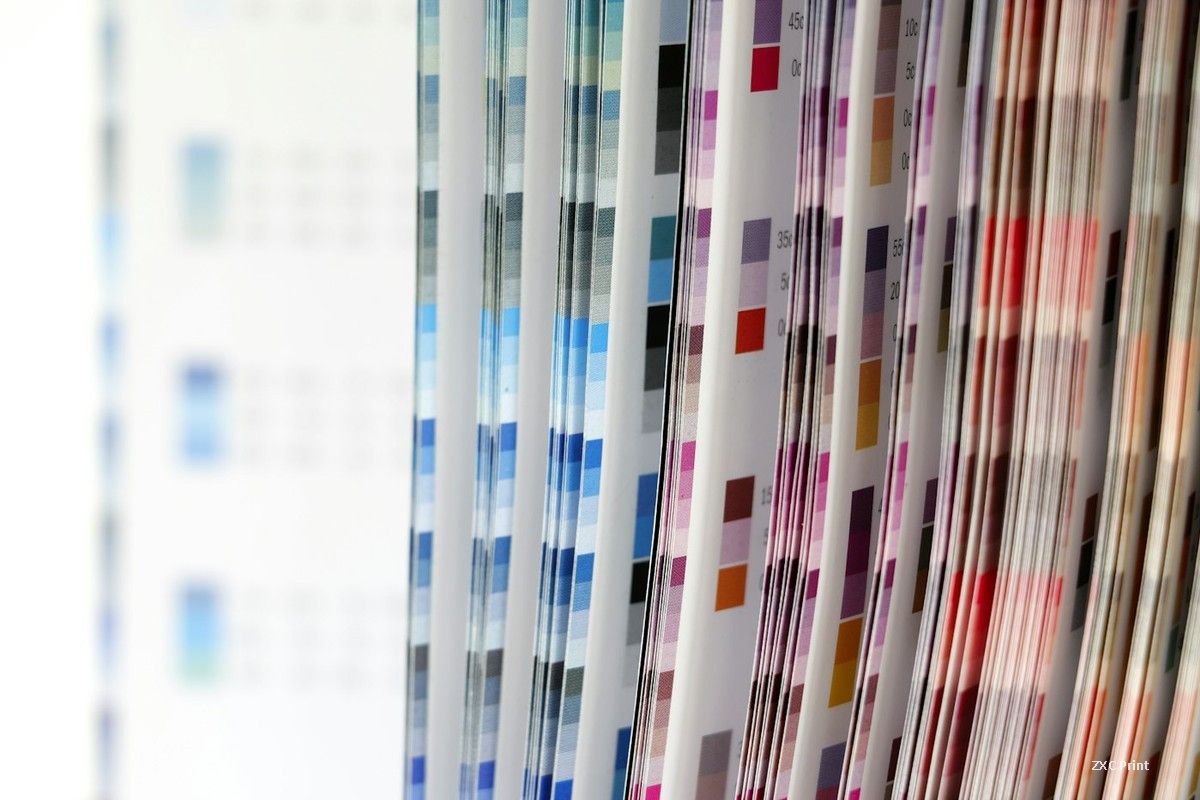
CMYK 8-bit describes the bit depth of each channel, not the file as a whole. Cyan, magenta, yellow and black are stored separately, and every channel carries 8 bits of tonal information, which gives 256 steps per colour. Four channels combined produce a full colour document. When a job is separated for offset printing, each of those channels becomes its own piece of film, one for cyan, one for magenta, one for yellow and one for black.
Film separations in modern workflows
Film was once the standard carrier that transferred an image to a printing plate. The plate is what actually carries ink to paper, and a metal plate is exposed through the film before it is mounted on the press. Many shops have replaced film with computer to plate output, where the plate is imaged directly from the digital file. The older film route still appears in some production environments, so a shop may ask for separations even when its plates are made digitally.
Which file format to deliver
PSD keeps layers and text editable and is convenient when the shop expects to adjust the layout. TIFF is the safer choice for a flattened, production ready file. It stores image data without the lossy compression that damages fine detail, and it holds the CMYK channels exactly as they were built. JPEG is not a print format. Its compression is designed for web delivery and screen viewing, where small file sizes matter more than tonal accuracy. Compressing a CMYK image into JPEG can introduce visible artefacts in gradients and fine type.
Checking resolution and colour profile
300 dpi at final size is the usual target for images that will be viewed up close, such as photographs in a catalogue or brochure. Lower values show soft edges and pixelation on press. The colour profile matters just as much as the resolution. A coated stock profile assumes ink will sit on a smooth, sealed surface, so the ink limits and dot gain compensation differ from an uncoated profile. Matching the profile to the actual paper avoids surprises on press.
A short checklist before handover
Confirm the document is in CMYK, not RGB. Keep photos at 300 dpi at their placed size. Embed or supply the profile the shop expects. Deliver TIFF or PSD rather than JPEG. Leave a bleed allowance and keep important content away from the trim edge. Ask the shop whether it wants film or direct to plate, since that answer decides how the file should be separated.