
Why Printed Book Edges Chip: How Blade Sharpening Affects Cut Quality
You judge a printed book by its cover, but you feel its quality when you run a finger down the trimmed edges. A clean, square trim makes a paperback feel professional. A rough one, with chipped corners or fibers sticking out, cheapens the whole job. Most of these defects start at one machine: the guillotine cutter, and specifically at its blade.
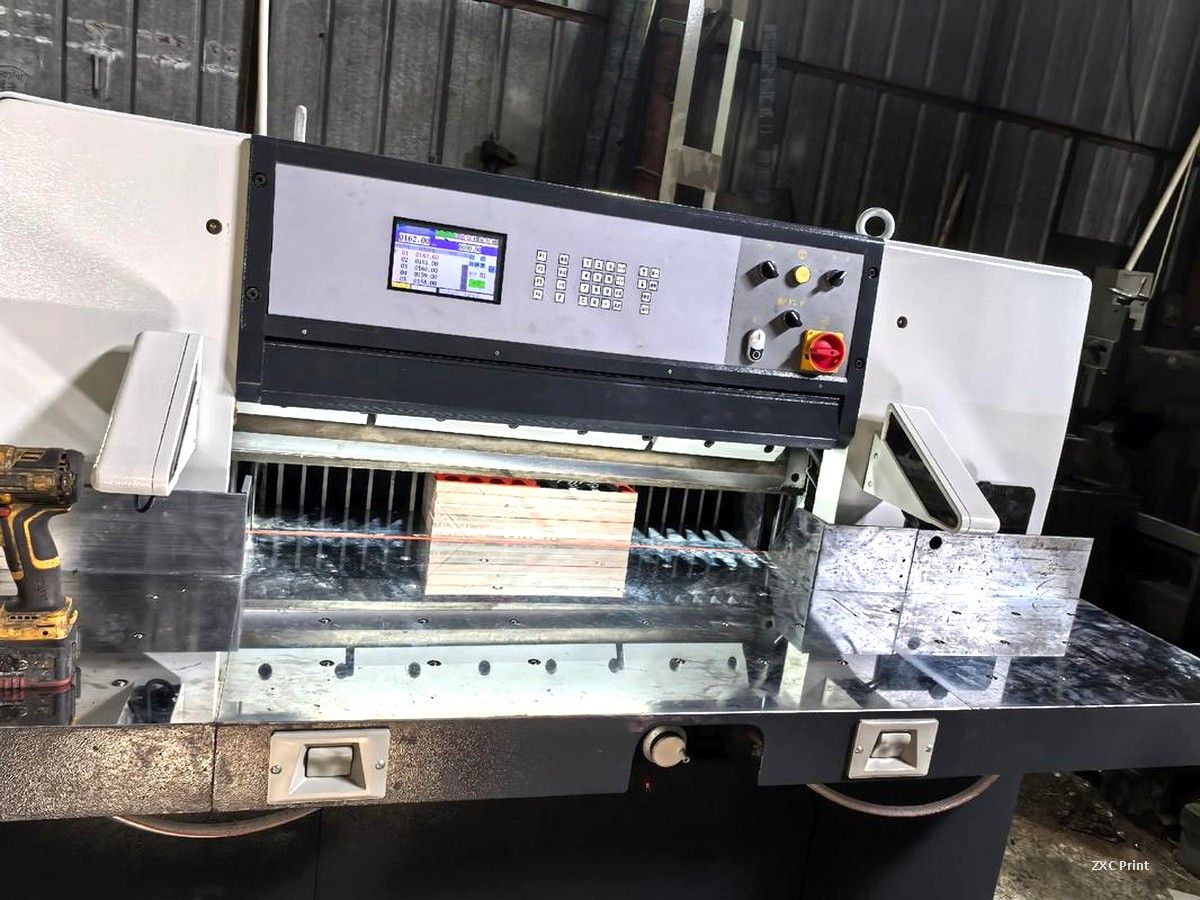
How a guillotine cutter trims a book block
The guillotine holds a stack of printed sheets under a clamp, then drives one long steel blade straight down through the pile. It cuts in a single pass, not with a saw or a shear. That means the entire edge quality depends on one narrow strip of steel: the blade edge. If the edge is dull, nicked, or burnt, every book in the stack shows it.
Blade angle: a trade-off between sharpness and strength
Grinders set the blade angle according to the material being cut. For paper and book blocks, a cutting angle between 17° and 28° is typical. Softer materials take a smaller angle, which gives a keener edge. Harder materials need a larger angle so the edge does not collapse under load. A knife ground too steep for soft paper tears the fibers instead of slicing them, leaving a furry edge on every copy.
The grinding wheel matters as much as the angle. Brown corundum is the practical choice for the alloy steel used in most cutter blades, because it releases grains steadily and does not glaze over. Grit around 45 to 60 balances speed and finish. A wheel that is too coarse chips the edge. One that is too fine polishes slowly and can burn the steel, and the damage does not show until the blade is back in the cutter.
Heat is the silent killer of blade edges
Grinding generates heat faster than most operators realize. If the steel turns light yellow or blue-purple during sharpening, the surface temperature has passed roughly 200°C. The metal is damaged at that point, even though the discoloration can be polished away. The harm sits deeper, invisible to the eye, and shows up later as chipped or crumbling edges during trimming. That is why experienced shops grind in stages: a rough pass to remove nicks, a fine pass with light feed and full coolant flow, then a few spark-out passes with no feed to straighten the edge. Coolant applied continuously keeps the steel under about 70°C.
What you can check when your books arrive
You do not need to visit the finishing room to judge cutting quality. Look at the trimmed edges of a few copies taken from different points in the run. The edges should be smooth, the corners square, and the trim size consistent from the first book to the last. Chipped corners, fibers standing proud of the edge, or a slightly different size between copies all point to a blade that has run too many cuts since its last grind. If you see any of these, tell your printer before you approve the rest of the job.
A good trim is not luck. It comes from a blade that is ground at the right angle, kept cool, and honed after every sharpening. When you plan a project with tight margins or demanding finishes, ask the printer how they maintain their cutting line. Small details like this are where reliable book printing and a frustrating batch of books part ways.