
Guillotine Cutting Problems on Coated Paper: Causes and Solutions
When 100 gsm coated paper is trimmed on a guillotine cutter, printers sometimes see a classic defect: the finished stack comes out narrower at the top than at the bottom. Watch the cut closely and the lower sheets appear to bulge upward for a moment. Many print buyers assume the machine is broken. In most cases it is not. The problem comes from a combination of material behavior and machine setup, and it can usually be corrected with a few adjustments.
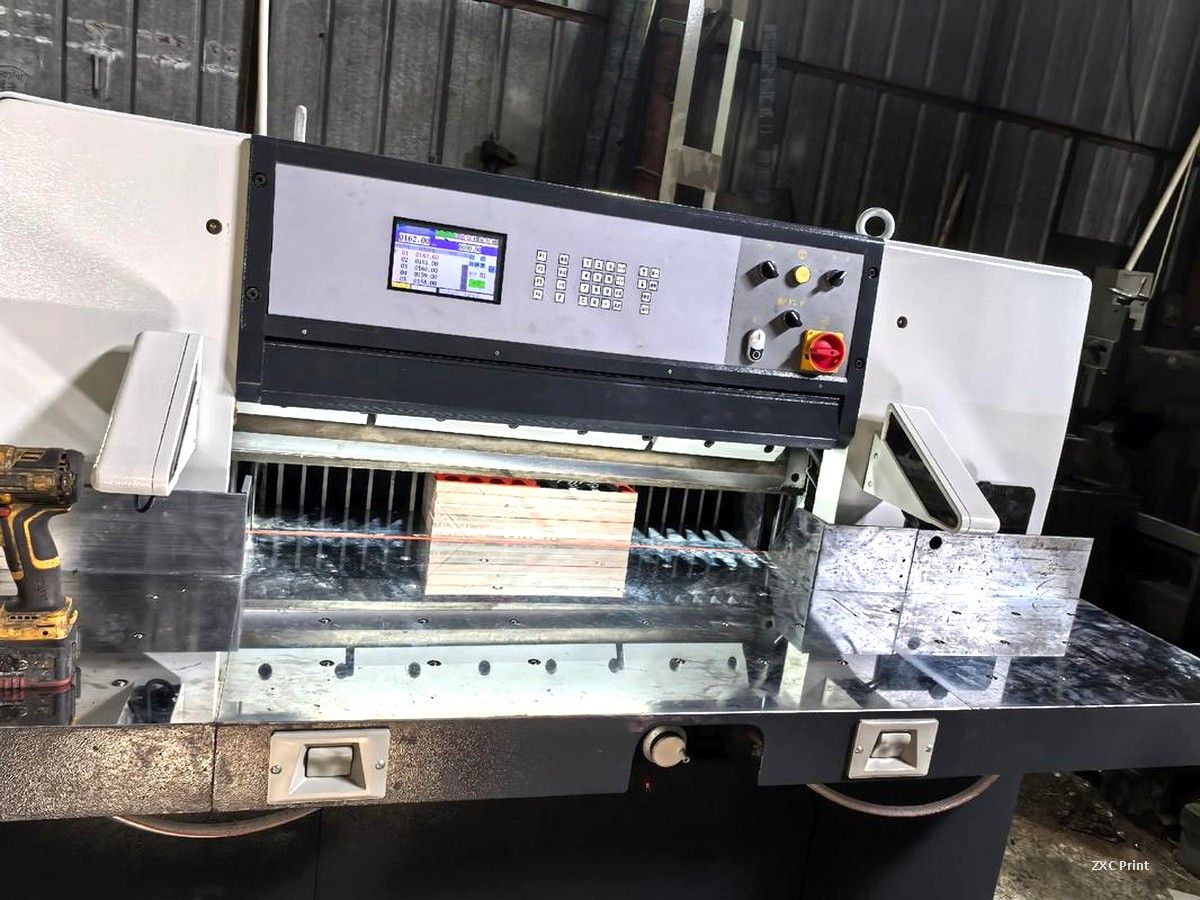
Why Thin Coated Paper Misbehaves Under the Blade
Coated paper is harder and smoother than uncoated stock. The coating lowers friction between sheets, so the stack compresses differently when the blade pushes down. If the cutter lacks mechanical rigidity, the blade deflects slightly as it travels through the stack. The cut is then not perfectly vertical, and the sheets measure differently at the top and bottom.
Two setup details make this worse. A blade angle that is too small increases cutting resistance, and excessive clearance between the knife seat and the frame lets the assembly flex. Both are adjustment issues, not design faults.
What the Operator Should Check
First, tighten all fixing screws on the front and rear frames. Then remove a thin adjustment shim between each pair of screws to reduce the gap between the frame and the knife seat. The normal gap is about 0.05 to 0.10 mm. The seat should still travel up and down freely; the goal is a small gap with smooth movement, not a seized mechanism.
Second, check the grind angle of the blade edge. For coated stocks around 100 gsm, an angle near 26 degrees works well in practice. Users of circular-wheel horizontal grinders need extra care, because the grinding wheel diameter changes the effective edge angle as the wheel wears. A reliable fix is to grind a secondary bevel 6 to 7 mm wide at the cutting edge, which increases the angle and stiffens the edge.
Third, match the blade to the machine when ordering replacements. Newer SQZK cutters from the 1150 size upward use blades 13.7 mm thick, with screw holes staggered to improve clamping strength. A thinner blade flexes more under load, so the specification matters.
What Print Buyers Should Look For
If your project needs precise trimming, ask about cutting tolerances before the job starts. When the finished copies arrive, stack a few and check the edges. The stack should stand square, and every copy should measure the same width at the top and bottom. A skewed cut matters even more when your files include bleeds, because a slightly tilted blade can expose an unprinted edge on the final piece.
Regular blade maintenance is the cheapest insurance. Dull edges and badly ground angles are the most common causes of out-of-square stacks, and a scheduled sharpening routine prevents them.
Why Cutting Accuracy Matters in Book Printing
Cutting quality has a direct effect on how a finished product feels. In book printing, every copy in the run must share the same trim size. A few millimetres of variation makes covers and pages look misaligned on the shelf. The same logic applies to brochures, catalogs, and any piece that gets bound or stacked. A well-set guillotine, maintained on a regular schedule, turns a clean press sheet into a professional final product.