
Most jobs that stop at an offset press do not fail because of the machine. They fail because of the file. A font that was never embedded, a JPG that looked sharp on a monitor but carries too little data, or a layered PSD that prepress cannot open correctly will each cost more time than the press run itself. None of these problems is hard to fix, and all of them are cheaper to catch before plates are made.
What a Missing Font Does to a Layout
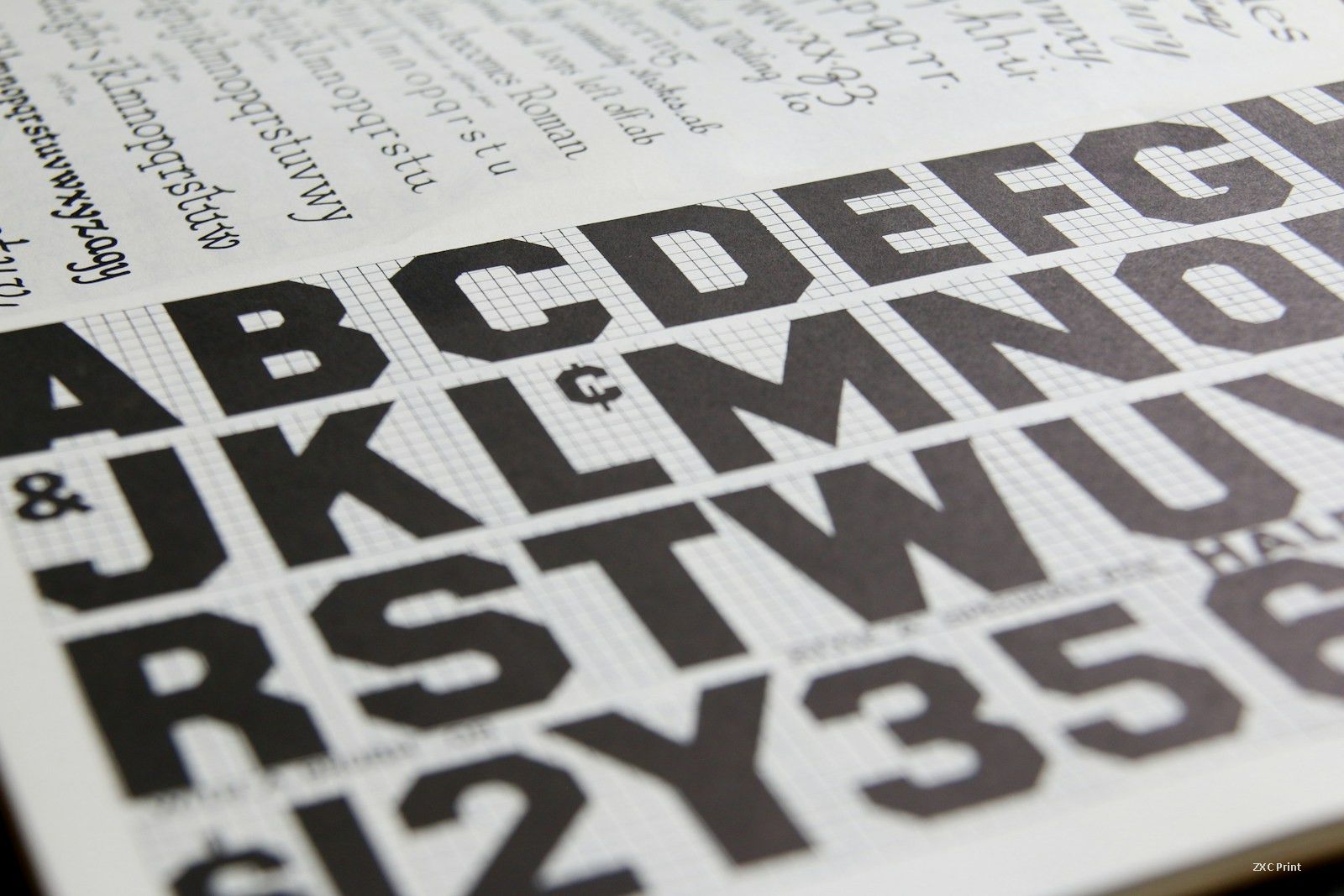
When a font is missing, the layout program cannot show the face you chose. It substitutes something else, and the substitute rarely has the same width. Letters shift, words space differently, and a heading set on two lines may suddenly take three. In a book or catalogue, one reflowed paragraph can push a page break, and the page count of a signature changes.
There are two safe ways to send type. The first is to embed every font in the PDF, including the ones used only on small captions. The second is to convert the type to outlines, but keep an editable copy of the file on your side, because outlined text can no longer be edited or searched. If neither is possible, tell the printer which fonts are missing and ask for a close substitute. Then check the result line by line: line breaks, hyphenation, and the shape of the last line in each paragraph. A substituted font may look acceptable in the body but ruin a logo or a display line.
When a JPG Is Good Enough for Print
JPG is a normal working format for photographs. The format is not the problem; resolution is. A photo needs about 300 DPI at the final printed size. A file that measures 300 DPI at 10 cm wide is only 150 DPI once it is stretched to 20 cm, even though its properties still say 300. Prepress looks at effective resolution after scaling, so check the size you intend to print, not the size on screen.
Compression matters too. A JPG saved at low quality shows blocky patches around edges and smooth gradients, and those defects become visible on paper. Save at the highest quality your file size allows, and keep the original camera or Photoshop file in case the image must be re-exported.
Layered Photoshop files are a different case. A press cannot read layers, masks or adjustment layers, and a missing font inside a PSD will break the layout when it is opened elsewhere. Flatten the design, or export a TIFF at 300 DPI with LZW compression, convert it to CMYK, and check that black text is set as black text rather than four-color black.
A Short Preflight List
- All fonts embedded, or type converted to outlines with an editable copy kept.
- Every image at 300 DPI or more at final size, in CMYK.
- PSD files flattened or exported as TIFF before sending.
- 3 mm bleed on all four sides, with crop marks outside the trim.
- Rich black used only for large solids, never for small text.
- A PDF export checked on screen, plus a hard proof for color.
Sending a clean package with a note about any substitution takes ten minutes. Fixing a reprint takes a week. The press is usually the most reliable part of the job, so give it artwork that matches.