
A press operator running a Heidelberg Gallus 410 recently described a stubborn problem. The color on the sheet ran dark in one band and light in the next, and the fault was most obvious on a heavy solid blue. The anilox roller, the stainless steel doctor blade and the press itself were new, and there was no obvious vibration in the frame. That set of clues points to a small number of causes, and they can be checked in a fixed order.
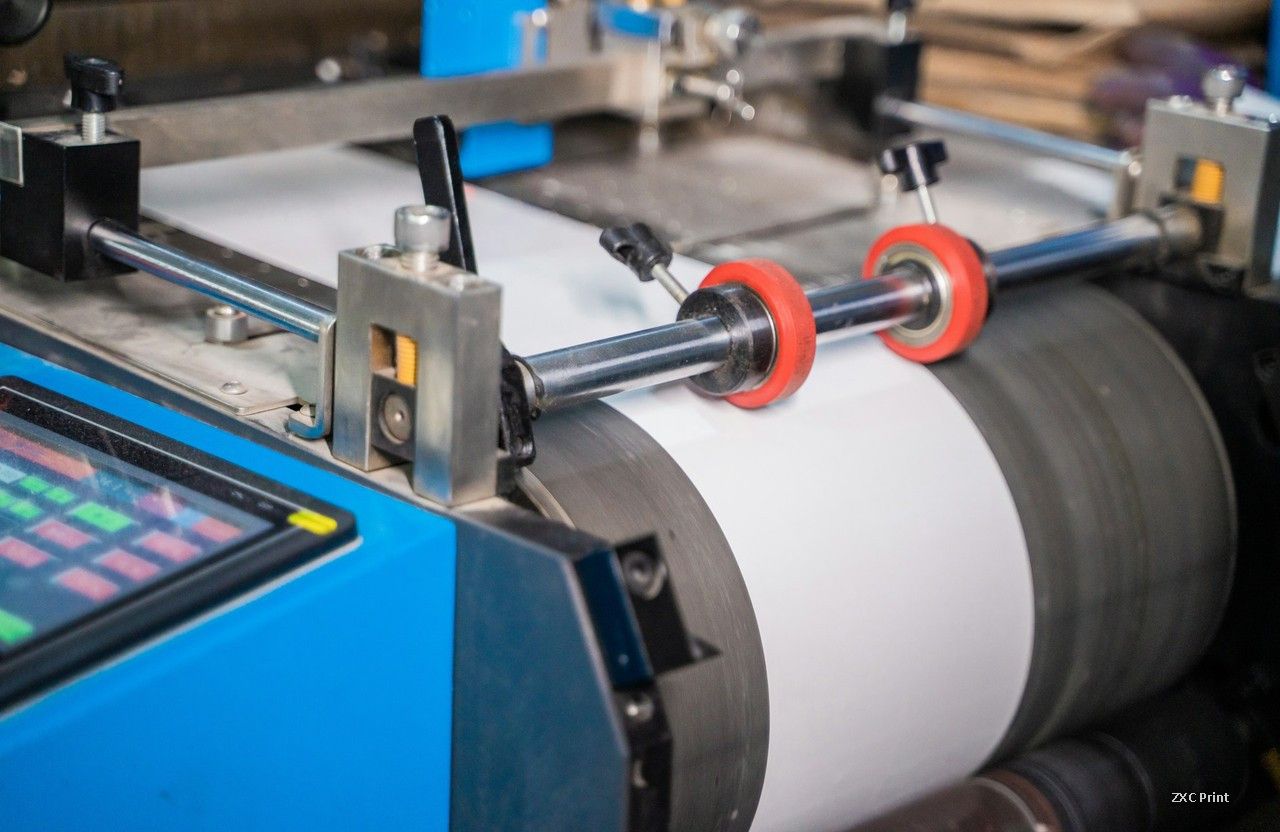
What an Ink Streak Looks Like on a Flexographic Press
An ink streak, often called an ink bar, is a narrow band where the thickness of the ink film changes. It repeats at a fixed distance along the web, and that spacing is the clue. Streaks tied to a roller repeat once per roller revolution. Streaks tied to a gear repeat once per tooth engagement. Measure the distance between two bands, compare it with the circumference of each rotating part, and most of the guesswork disappears.
Start With the Doctor Blade and the Anilox Roller
If the doctor blade is fitted, check the blade before anything else. A worn, chipped or badly set blade leaves an uneven ink film on the anilox surface, and the press prints that uneven film straight onto the plate. Look for dried ink packed under the blade, a blade loaded too hard, and a blade angle that has drifted away from the setting used at make ready.
On the anilox roller, inspect for clogged cells, mechanical damage and wear. A roller that is new can still be wrong for the job. Cell volume that is too low for a heavy solid gives a starved, patchy laydown, while cell volume that is too high floods the plate and fills the fine detail. If the streaks stay in the same place when you turn the anilox roller by hand, look at the rollers that carry the web instead.
Roller Roundness, Gears and Bearings
Rubber rollers are the usual suspects on any press. Check the roundness of each rubber roller with a dial indicator, then check the gear teeth and the bearings for wear. A roller that is out of round, a gear with a worn flank, or a bearing with play will push the impression in and out with every turn, and the result is a repeating bar that no amount of ink adjustment will remove.
Where the ink train has no doctor blade on the anilox roller, the rubber roller controls the film, so runout and gear wear on that roller matter even more. Measure before you replace anything. A dial indicator costs far less than a set of rollers.
Why Low Press Speed Makes Gear Marks Worse
Gear marks, sometimes called gear streaks, come from the meshing of the drive gears. On a machine like a Gallus 410 the gears are helical, and helical gears rarely produce gear marks at running speed. At low speed the same gears behave differently. Tooth contact happens with a thinner oil film and less inertia, so any error in the tooth form is transferred to the cylinder as a small oscillation.
That is why a press can run a clean solid at 80 to 90 m/min and still show bars when it is jogged or run slowly during make ready. Run the job at a higher speed and watch whether the bars fade. If they do, the drive train is the source, and the gears are the place to look.
Why Deep Blue Solids Show Every Flaw
Printers have a saying that blue ink hides nothing. A heavy blue solid is the least forgiving image on the sheet. The ink film is thick, so any variation in transfer shows as a visible density change, and the eye reads blue density differences far more easily than the same variation in yellow or magenta. Green behaves in a similar way. Treat a blue solid as a magnifier for a mechanical problem that would be nearly invisible in a lighter image, rather than as proof that the ink or the color is at fault.
A Simple Diagnostic Sequence
- Print a solid at normal running speed, then at half speed. Note whether the bars appear, fade or shift position.
- Measure the distance between two adjacent bars, then divide by the number of repeats to get one repeat length.
- Compare that length with the circumference of the anilox roller, each rubber roller, the plate cylinder and the gear pitch.
- Clean and reset the doctor blade, then repeat the test.
- Check roller roundness with a dial indicator, then check gear teeth and bearings.
- If the repeat matches the gear pitch, inspect the drive gears for wear, backlash and lubrication.
What the Findings Usually Point To
If the repeat matches a roller circumference, the fault sits in that roller: roundness, bearing play, or gear wear on its shaft. If it matches a tooth, the fault sits in the gear train, and low speed will make it worse. If the bars move when the blade is reset but the repeat stays the same, the ink film is being metered unevenly and the blade or the anilox cells need attention.
A new machine can show gear marks, so age is not the deciding factor. Contact pattern and running speed are. Write down the speed, the repeat length and the part that matches. On the next job, that note saves an hour of trial and error.