
Anilox Roller Cleaning: How It Protects Flexo Print Quality
In flexographic printing, the anilox roller plays two roles at once. It transfers ink to the printing plate, and it meters the exact amount of ink that reaches the plate. Printers often call it the heart of the flexo press, because the final result depends heavily on its condition. For buyers of flexo-printed labels, stickers, and packaging, this roller stays invisible, yet it decides whether colors remain consistent from the first sheet to the last.
Most anilox roller problems are not caused by wear. They come from improper or incomplete cleaning. Dried ink and resin left in the tiny engraved cells reduce the volume each cell can carry, so printed color comes out lighter, patchier, or streaked. Keeping the roller clean is therefore a quality control task, not a maintenance chore.
Daily cleaning matters most
Cleaning happens at two levels. Daily cleaning is the more important one: after every job, the roller should be washed promptly so leftover ink does not harden inside the cells. Periodic cleaning uses stronger methods to restore cells that have become partly blocked. Any cleaning system that works well must remove residue from the bottom of every cell without damaging the cell walls.
Physical cleaning methods
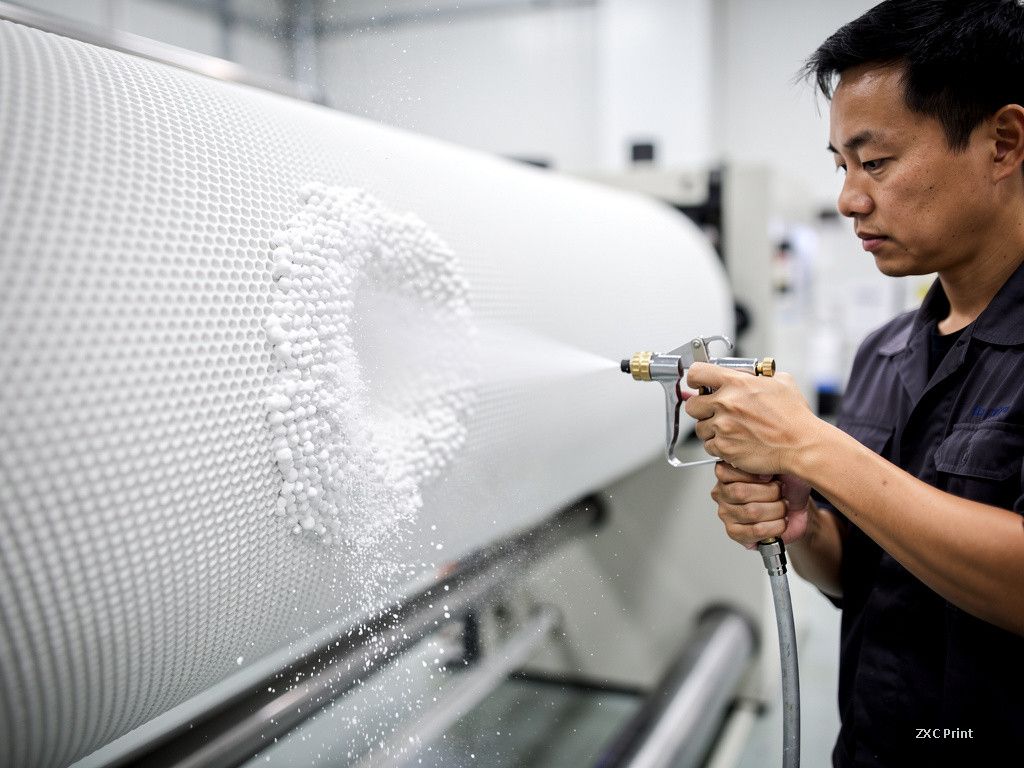
Media blasting is the most common physical approach. Compressed air pushes fine particles against the roller surface. Baking soda blasting runs at low pressure, around 0.4 MPa, stays gentle on the ceramic coating, and is safe for the environment. Dry ice blasting fires solid carbon dioxide particles that vaporize on impact, creating a tiny explosion that lifts contamination. It can be done with the roller still on the press, which saves downtime, but the particles cannot reach the bottom of fine cells, so it suits rollers with lower line screens. Plastic bead blasting uses soft polyethylene particles that deform and spring back, carrying residue out of the cells without scratching the ceramic. High-pressure water rinsing is simple, though it can push ink deeper into cell bottoms and produces wastewater.
Ultrasonic cleaning uses high-frequency sound to create microscopic bubbles that collapse against the roller surface and knock residue loose. Many shops soak the roller first to soften hardened ink, then keep the ultrasonic bath short, because long exposure can damage the cells. Laser cleaning is the newest option. A focused laser evaporates dried ink, resin, wax, and even doctor blade particles out of the cells, and it handles the highest line screens without touching the roller surface.
Chemical cleaning
Chemical cleaning relies on alkaline solvents with a pH of 8 to 14. The solvent softens and dissolves residue, and a high-pressure rinse then washes it away. Strong formulations act fast but can corrode metal parts and need careful handling. Neutral and mild formulations are used more widely, though some leave slight residue behind. Because solvents penetrate well, chemical cleaning works on rollers above 1000 lines per inch, which other methods struggle to reach.
What this means for print buyers
You do not need to clean rollers yourself, but the topic is worth knowing when you order flexo-printed labels or flexible packaging. Ask the printer how often anilox rollers are inspected and cleaned. A shop with a regular schedule is more likely to deliver even color across the whole order and hold the same shade on reprints months later. If your artwork includes fine text or small highlight dots, roller condition matters even more, because blocked cells show up first in delicate areas.